A wet bathroom tile can turn a steady morning into a sudden fall for an older adult. Afterward, minutes feel long while someone searches for a phone or tries to stand. In many homes, the real risk is being alone when help is needed.
That is why many families compare personal alarm systems for home safety alongside care plans and home updates. These tools can shorten response time when a fall, fainting spell, or chest pain occurs. They also help caregivers track patterns without hovering or guessing.
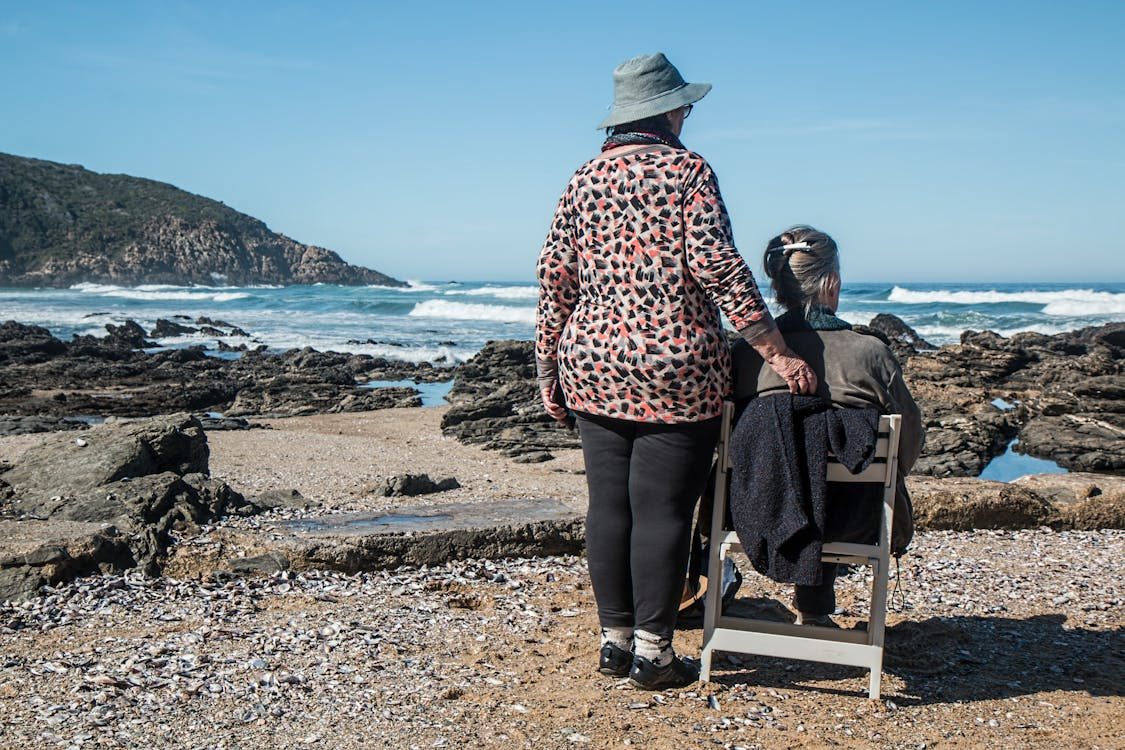
Photo by Pixabay
Wearable Alerts That Work In Real Homes
The best tool is the one a person will wear every day, even during small chores. Many seniors stop using devices that snag on clothing, feel bulky, or need frequent charging. Comfort and routine matter as much as features when safety is the goal.
Wearable options usually include a pendant, wrist button, or watch style device. For seniors who bathe alone, water resistance is not optional, since bathrooms are common fall sites. Falls are a leading cause of injury in older adults, and prevention and quick response both help reduce harm.
Some wearables add fall detection, which can trigger an alert after a sharp drop or impact. This can help when a person is confused, injured, or unable to press a button. False alarms still happen, so a system should allow easy cancellation and clear voice prompts.
When comparing wearables, look for details that change daily use:
- Battery life that fits the person’s routine, not a best case marketing estimate
- A strap or chain that feels stable, yet releases safely if caught
- A button that is easy to press with arthritis or limited grip strength
- Clear audio for two way speaking, even with hearing loss or background noise
Home Base Units, Room Coverage, And Caregiver Visibility
Many systems still rely on a home base unit that connects to a monitoring center or listed contacts. This can be a good fit for seniors who spend most time at home. It also works for people who do not want another smartphone app to manage.
Range is the quiet factor that decides whether a device works in a real house. A base unit should cover bedrooms, bathrooms, garages, and common outdoor spots like a patio. If the range fails at the back door, a fall outside becomes the worst case scenario.
Caregiver visibility can be simple, and it should stay respectful. Some services provide alerts by text, call, or app notification, while others offer an activity log. A log can reveal patterns, such as repeated night bathroom trips or frequent alerts around medication time.
Set up matters as much as the device choice, especially in larger homes. Test the signal in each room, then retest after furniture moves or a router change. Keep a written contact list near the base unit, so helpers know who to call first.
On The Go Tools: GPS, Cellular Coverage, And Clear Medical Profiles
For seniors who walk daily, drive short errands, or visit friends, mobile systems add a layer of safety away from home. These devices rely on cellular service, so coverage in the person’s usual area is a practical check. If coverage is weak, a mobile plan can create false confidence.
GPS can help responders find a person who is disoriented or injured outdoors. It can also help caregivers locate someone who missed a planned check in. Still, GPS is only useful if the device is charged and carried, so charging habits must match the person.
A clear medical profile is a tool that often gets skipped, yet it helps during urgent care. Include allergies, anticoagulant use, implanted devices, and baseline conditions that affect emergency decisions. This also matters when imaging is likely after a fall, such as an x ray for a suspected fracture or a CT scan after head impact.
Families can reduce confusion by keeping the profile simple and current:
- Full name, date of birth, and emergency contacts
- Medication list with dose timing, updated after each change
- Allergies and prior reactions, including contrast reactions if known
- Mobility aids used daily, such as a cane, walker, or wheelchair
Matching Tools To Common Emergency Paths In Senior Care
The “best” tool depends on how emergencies typically unfold for that person. A senior with balance issues may benefit most from wearables with fall detection and a strong home range. A senior with heart risks may need clear two way audio and fast escalation steps.
Think through what happens after an alert, not just the alert itself. Who answers first, and how quickly can they reach the home. If emergency services are called, what information will responders need at the door. A spare key lockbox and visible address numbers can reduce delays without changing the device.
Radiology teams often meet patients after falls, confusion episodes, or sudden pain events. When response is faster, injuries are assessed sooner, and imaging can happen within a clearer timeline. That helps clinicians connect symptoms, impact details, and scan findings with fewer unknowns.
Caregivers can also reduce repeat events by using trusted education sources and simple home checks. The National Institute on Aging offers guidance for caregivers that covers safety planning and practical support steps.
Practical Takeaway For Safer Senior Care
A medical alert tool is not a full care plan, yet it can support one when set up well. Choose a device the person will actually wear, test it across real spaces, and keep the medical profile current. Small setup habits can matter more than extra features that never get used.
After setup, run a simple monthly check so the system stays dependable. Test the alert button from the bathroom, bedroom, and any spot where falls feel more likely. Review the contact list and medical details, then update them after any medication change or new diagnosis. If the senior’s routine shifts, such as more time outdoors or new mobility limits, adjust the device choice and settings to match.
Related posts:
 Other Imaging Techniques in Dilated Cardiomyopathy
 Basic Echocardiography in Arrhythmogenic Right Ventricular Cardiomyopathy
 Cardiac MRI
 Early Diagnosis of Sports Injuries: Why Timely Imaging Matters
How Often Do You Really Need Dental X-Rays? A Dentist Explains
Why the “Under 4” Check-Up is More Than Just a Growth Chart
Early Diagnosis of Sports Injuries: Why Timely Imaging Matters
How Often Do You Really Need Dental X-Rays? A Dentist Explains
Why the “Under 4” Check-Up is More Than Just a Growth Chart

Stay updated, free articles. Join our Telegram channel

Full access? Get Clinical Tree